হোয়াটসঅ্যাপে AI অটো রিপ্লাই: বাংলায় ২৪ ঘণ্টা কাস্টমারের উত্তর দিন
রাতে বা ব্যস্ত সময়ে কাস্টমারের মেসেজের উত্তর দিতে দেরি হলে বিক্রি হাতছাড়া হয়। দেখুন কীভাবে AI আপনার নিজের তথ্য থেকে বাংলায় সঙ্গে সঙ্গে উত্তর দেয়।
Read moreHappyInAI · Aug 18, 2025 · 6 min read
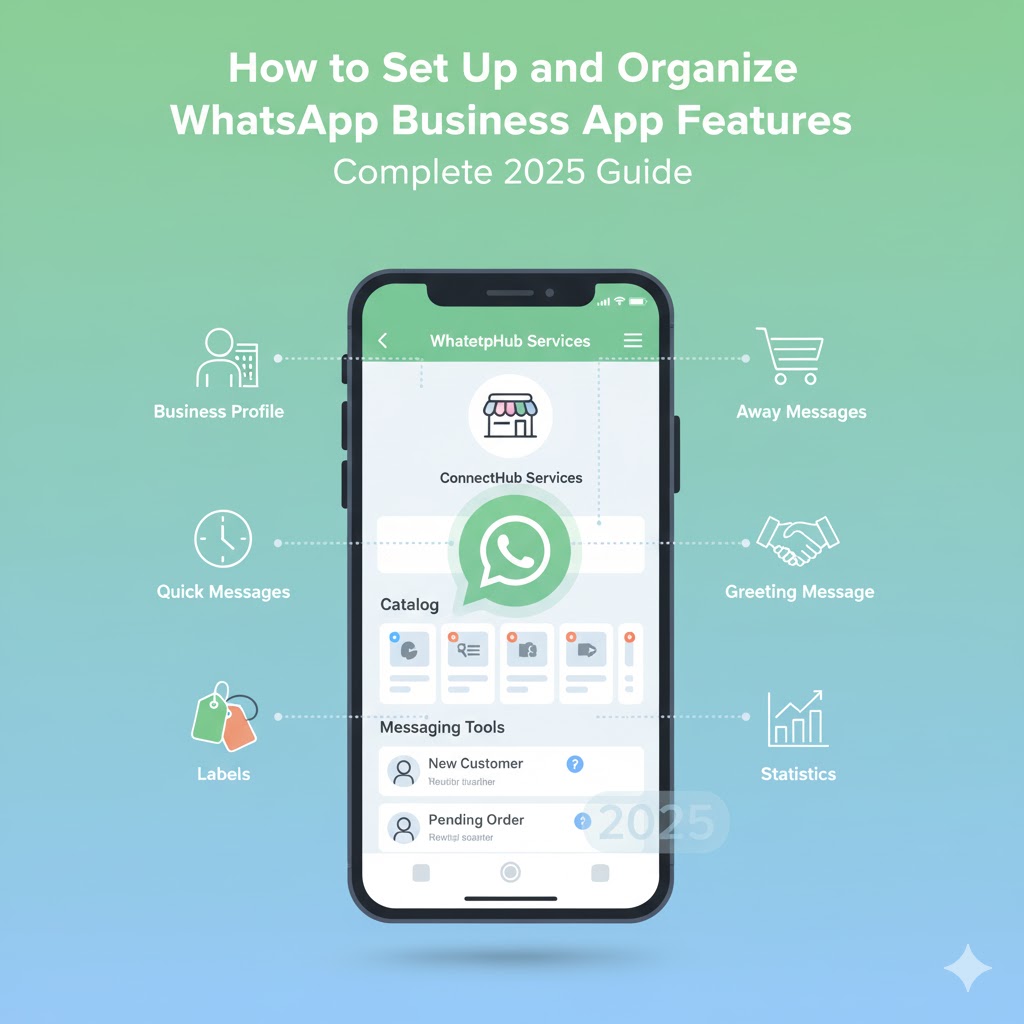
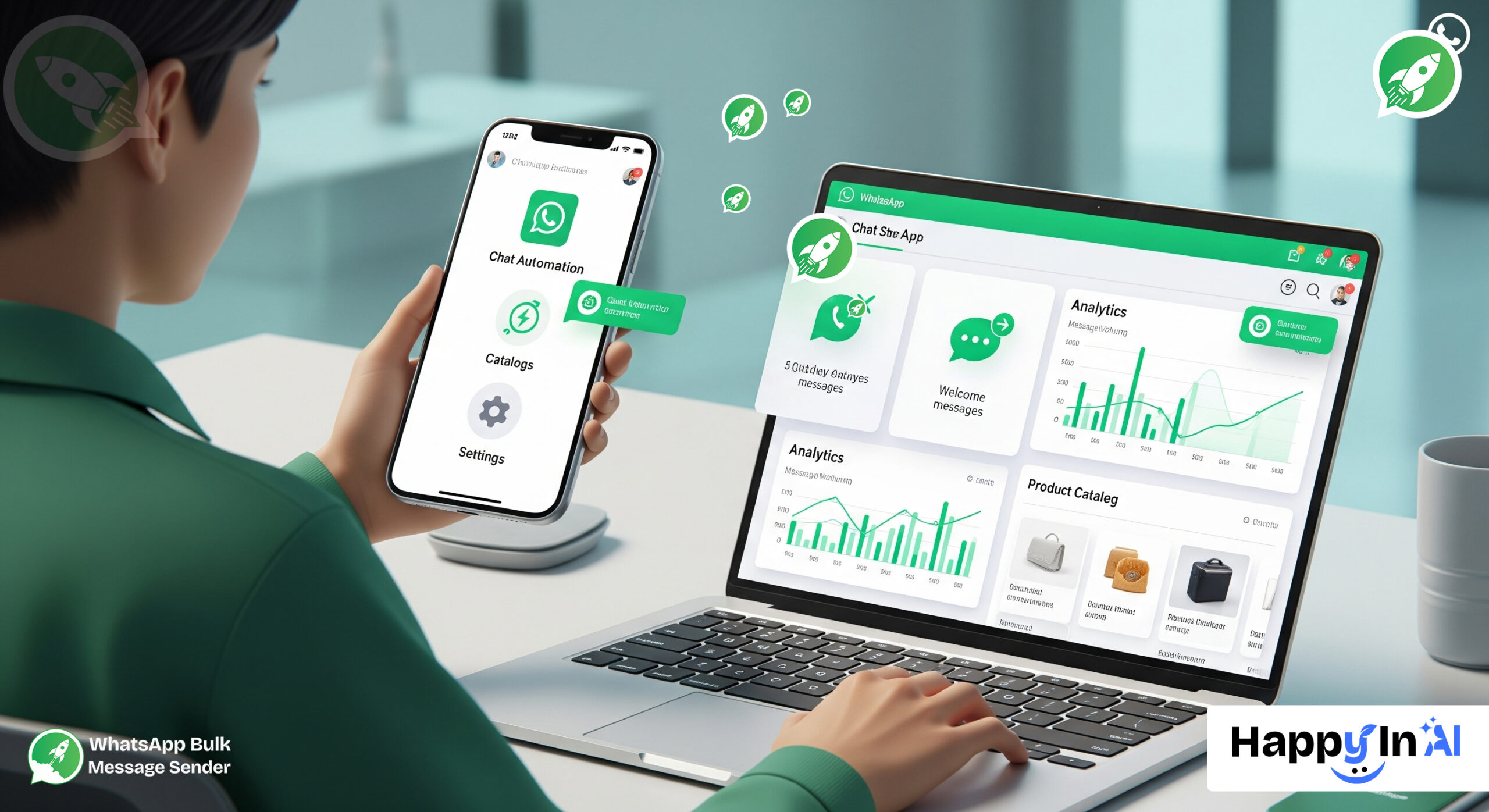 WhatsApp Business App setup guide 2025- In today’s fast-paced digital era, effective and instant communication with your customers is crucial for any business, big or small. WhatsApp Business App has emerged as a powerful tool enabling businesses to engage directly with customers, showcase products, and deliver excellent customer service — all within a single platform.
But simply installing the WhatsApp Business App is not enough. To maximize its potential, you need to properly set up and organize its features. Doing so will help you manage your contacts better, automate communication, promote your products efficiently, and ultimately grow your business.
In this post, we’ll walk you through a step-by-step guide on how to set up and organize the essential features of WhatsApp Business App to unlock its full power.
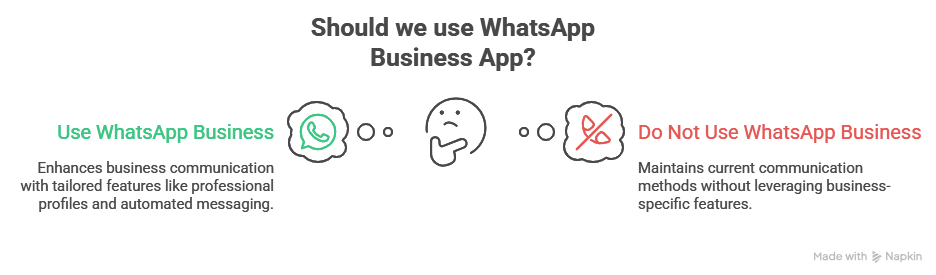
WhatsApp Business is a specially designed version of WhatsApp for small and medium-sized businesses. It offers a variety of features tailored for business communication such as:
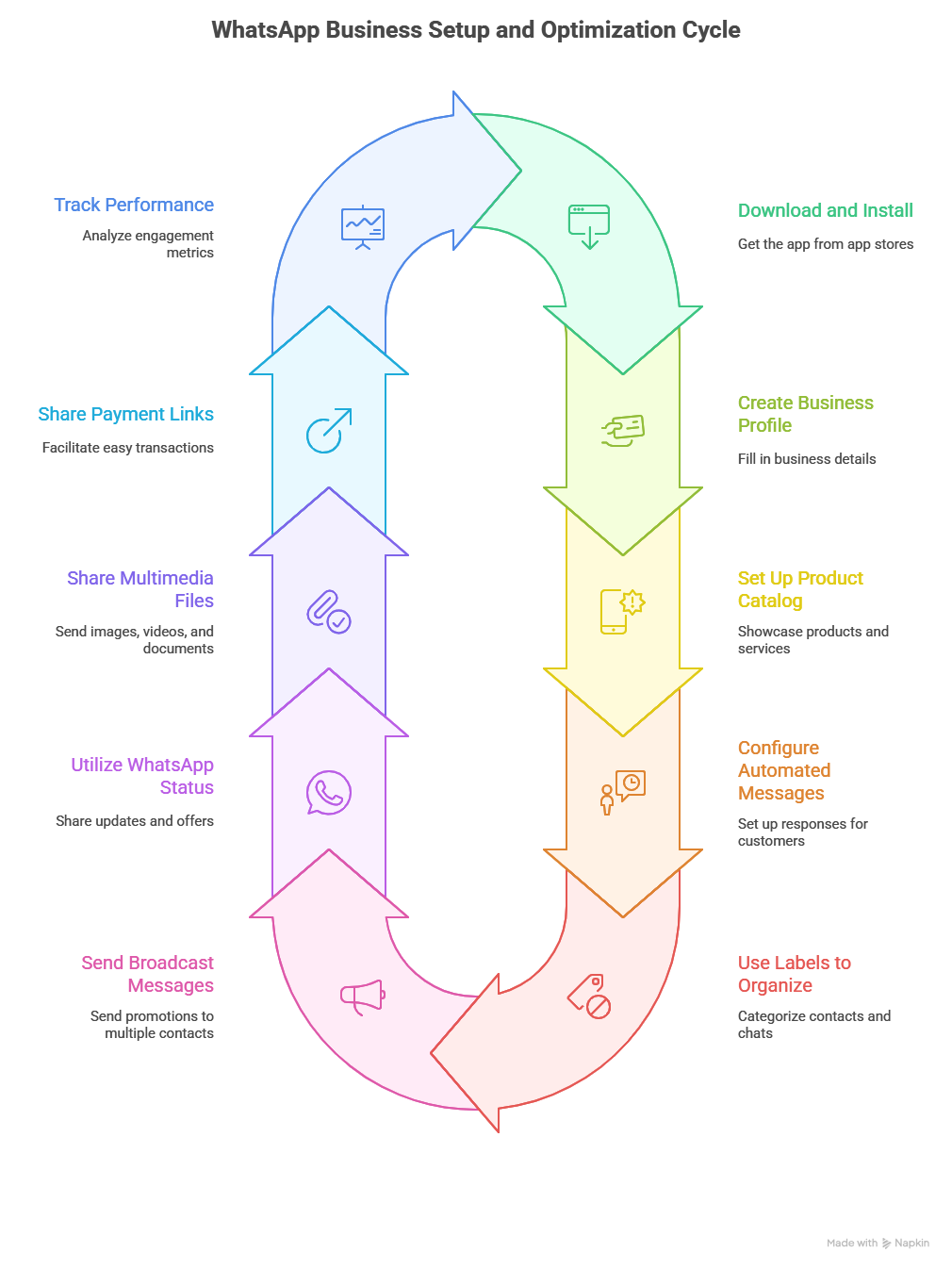
Automation saves you time and ensures your customers always get a response.
Managing customers and inquiries becomes easy with labels. You can tag chats based on their status or type:
Broadcast lists let you send messages to multiple customers at once without starting a group chat.
WhatsApp Status lets you share photos, videos, or text updates visible for 24 hours.
Use WhatsApp Business to share images, videos, PDFs, brochures, or price lists instantly.
If you use online payment gateways, you can share payment links directly with customers through WhatsApp.
Understand your engagement by checking the statistics feature.
Conclusion
Setting up and organizing the features of the WhatsApp Business App correctly can turn it from just a messaging platform into a powerful business growth tool. With the right setup, you can deliver excellent customer support, market your products effectively, and build strong, long-term customer relationships.
Start today by creating your business profile, adding your catalog, setting up automation, and organizing your contacts with labels. Then, supercharge your communication using our free tools:
🔗 WhatsApp Contact Exporter – Instantly export contacts from groups and chats.
🔗 WhatsApp Bulk Sender – Send personalized bulk messages to multiple recipients in just one click.
Once you master these features and tools, you’ll see how WhatsApp Business becomes an essential part of your sales and marketing strategy. If you need help with any feature or want personalized WhatsApp Business setup advice, we’re here to guide you.
Inbox, campaigns, AI and chatbots — free to start.
রাতে বা ব্যস্ত সময়ে কাস্টমারের মেসেজের উত্তর দিতে দেরি হলে বিক্রি হাতছাড়া হয়। দেখুন কীভাবে AI আপনার নিজের তথ্য থেকে বাংলায় সঙ্গে সঙ্গে উত্তর দেয়।
Read moreHow a WhatsApp AI chatbot answers customer questions day and night from your own price list and policies, in Bangla, Banglish or English, and hands the chat to your team when it should.
Read moreক্যাশ অন ডেলিভারির ফেক অর্ডার আর রিটার্নে ডেলিভারি চার্জ নষ্ট হয়। পাঠানোর আগে হোয়াটসঅ্যাপে প্রতিটা অর্ডার কনফার্ম করে নিলে কীভাবে এটা কমে, আর Steadfast, Pathao, RedX-এ কীভাবে এক ক্লিকে বুক করবেন।
Read more